Build a booking reminder tool for my business, [BUSINESS NAME], a [type of business] in [city].

What it does:
Every day at [6:00 PM] in [my time zone, e.g. America/Los_Angeles], it finds all appointments for tomorrow and sends each customer a friendly reminder. Then it records that the reminder was sent, so nobody gets it twice.

Data:
- Appointments are stored in [a simple table inside this app / my Google Sheet: link].
- Each appointment has: customer name, email, phone, OK to text (yes/no), date, start time, service, status (booked / cancelled / done), reminder sent (yes/no).
- Skip appointments that are cancelled or already have reminder sent = yes.

Screens:
1. Appointments: upcoming appointments with their reminder status. I can add, edit and cancel appointments here.
2. Message: where I edit the reminder text, using {name}, {service}, {date} and {time}.
3. Settings: send time, time zone, business name, reply-to email, and a Test mode switch.
4. Log: every reminder sent, to whom, when, and any errors.
What each prompt builds
Booking reminders
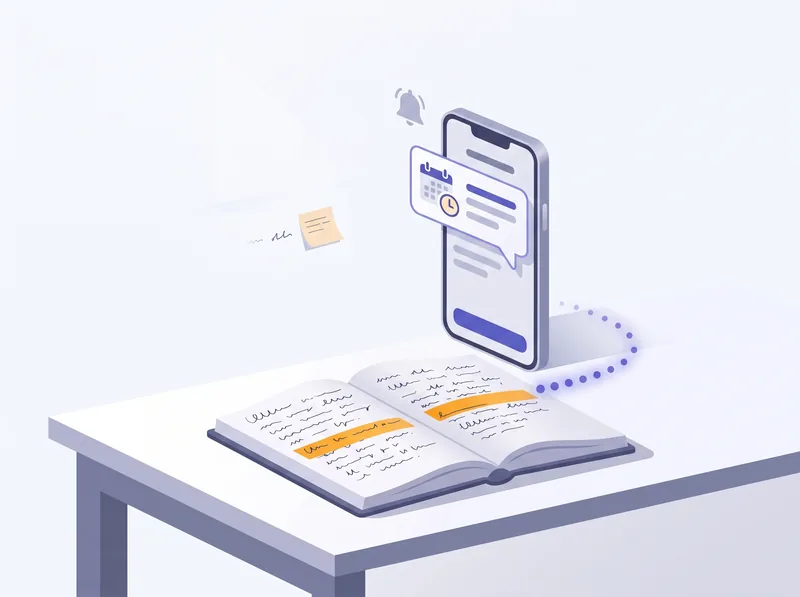
Every evening it finds tomorrow's appointments and sends each customer a friendly reminder, so fewer people forget to show up.
Quotes from a request
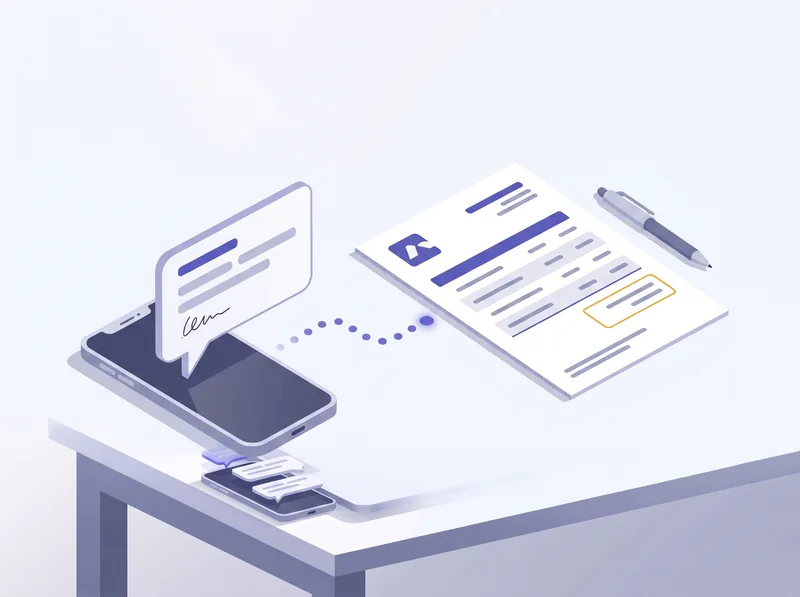
Paste the customer's message and get a clean quote from your own price list. Anything not on your list is flagged, never guessed.
Unpaid invoice reminders
Polite reminders on a schedule you pick. It starts in draft mode and stops the moment an invoice is marked paid.
Get the prompts
Free. They open on this page as soon as you send the form.
Here you go. The prompts are just below.
Your prompt pack
Before you start
Open an AI app builder, for example Lovable, Bolt or Replit. Start on a free plan if it has one.
Paste a prompt below and replace everything in [brackets] with your details.
Test with made-up data first. Don't paste real customer names, emails or invoices into the chat.
Keep keys private. When the tool asks for a key from an email or text service, add it in the builder's secrets or settings, never in the chat.
Say yes to a database. These tools send messages on a schedule, so the builder may ask you to connect a database service (such as Supabase). Follow its steps.
Easiest start: keep your data in the app's own table. Connecting a Google Sheet works too, but takes extra setup the builder will walk you through.
1. Booking reminders, sent automatically the day before
What the tool does: every day at a time you choose, it finds tomorrow's appointments, sends each customer a friendly reminder by email (or text), and marks it as sent so nobody gets two. Cancelled appointments are skipped.
What you need
Your appointments: customer name, email, phone, date, time, service. In the app, or in a Google Sheet.
An email service account, for example Resend or SendGrid. For texts: a text service such as Twilio, and your customers' permission to text them.
Your business name, address, phone number, and how customers can move or cancel a booking.
The prompt
Build a booking reminder tool for my business, [BUSINESS NAME], a [type of business] in [city].

What it does:
Every day at [6:00 PM] in [my time zone, e.g. America/Los_Angeles], it finds all appointments for tomorrow and sends each customer a friendly reminder. Then it records that the reminder was sent, so nobody gets it twice.

Data:
- Appointments are stored in [a simple table inside this app / my Google Sheet: link].
- Each appointment has: customer name, email, phone, OK to text (yes/no), date, start time, service, status (booked / cancelled / done), reminder sent (yes/no).
- Skip appointments that are cancelled or already have reminder sent = yes.

Screens:
1. Appointments: upcoming appointments with their reminder status. I can add, edit and cancel appointments here.
2. Message: where I edit the reminder text, using {name}, {service}, {date} and {time}.
3. Settings: send time, time zone, business name, reply-to email, and a Test mode switch.
4. Log: every reminder sent, to whom, when, and any errors.

Default reminder (I can edit it):
Subject: Reminder: your {service} tomorrow at {time}
"Hi {name}, this is a friendly reminder of your {service} with [BUSINESS NAME] tomorrow, {date} at {time}, at [ADDRESS]. Need to change it? Reply to this email or call [PHONE]. See you soon!"

Sending:
- Send emails with [Resend]. I'll add the API key in the secrets settings; tell me the exact name to use.
- [Optional: also send a short text with Twilio, only to customers marked OK to text.]
- Test mode is ON by default: every reminder goes to my own email, [MY EMAIL], instead of the customer, with the customer's name in the subject.
- Add a "Send tomorrow's reminders now" button so I can test without waiting.

Keep it simple and easy to use on a phone. Don't add features I didn't ask for. When you're done, explain in plain words how to test it.
What to check
2. A quote request, turned into a quote you can send
What the tool does: you paste a customer's request (an email, a message or your notes). The tool suggests line items from your price list, you check and adjust them, and it produces a clean quote with tax and total as a PDF, plus a short email to send with it. Nothing goes to the customer until you send it.
What you need
Your price list: item, description, unit (hour, item, square foot) and price. A spreadsheet is fine.
Your business details: name, logo, address, phone, email, tax rate, payment terms and how long a quote is valid.
For the "read the request" step: the builder's built-in AI feature, or an AI service key. Without it, you pick items from your price list by hand, which works fine too.
The prompt
Build a quote tool for my business, [BUSINESS NAME], a [type of business].

What it does:
I paste a customer's quote request (an email, a text message or my notes). The tool suggests line items from my price list, I check and adjust them, and it produces a clean quote I can download as a PDF and send myself.

Price list:
- Import my price list from [a CSV I'll upload / my Google Sheet: link / I'll type it in]. Columns: item, description, unit (e.g. hour, item, sq ft), unit price.
- A Price list screen where I can add, edit and remove items.

Creating a quote:
1. Customer name, email, phone, address (optional), and a box to paste the request.
2. A "Suggest line items" button: use AI to read the request and suggest items ONLY from my price list, with quantities. Anything in the request that isn't on my price list goes in a separate "Needs a price" list with no price. Never invent prices.
3. An editable table: item, description, quantity, unit price, line total. I can add, remove and change lines.
4. Optional discount (% or $), tax rate [8.25%] that I can change per quote, subtotal, tax and total. Round money to 2 decimals.
5. A notes field, e.g. "Price includes materials."

The quote:
- My logo, business name, address, phone and email.
- Quote number (Q-0001, Q-0002 and so on), date, and valid until (date + [30] days).
- Customer details, the line items table, subtotal, discount, tax and total.
- Payment terms: "[50% deposit to book, balance on completion]".
- A Download PDF button, and a "Copy email text" button with a short, friendly message I can paste into my email.

Quotes list: every quote with number, customer, total and status (draft / sent / accepted / declined), with search by customer.

Nothing is sent to the customer automatically. Keep it simple and easy to use on a phone. When you're done, explain in plain words how to test it.
What to check
3. Friendly reminders for unpaid invoices
What the tool does: every morning it checks your unpaid invoices and prepares a polite reminder at the steps you choose, for example 3 days before the due date, on the due date, and 7 and 14 days after, getting a little firmer each time. It stops as soon as you mark an invoice paid. It starts in draft mode, so you approve every email until you trust it.
What you need
Your invoices: invoice number, client name, client email, amount, due date and status (unpaid or paid). In the app, a spreadsheet, or an export from your accounting software.
An email service account, for example Resend or SendGrid.
A payment link (for example from Stripe or PayPal) or your payment details, to include in the reminder.
The prompt
Build an invoice reminder tool for my business, [BUSINESS NAME].

What it does:
Every morning at [9:00 AM] in [my time zone], it checks my unpaid invoices and prepares a friendly reminder for each one that has reached a reminder step. It stops reminding as soon as an invoice is marked paid.

Invoices:
- Stored in [a simple table inside this app / a CSV I upload / my Google Sheet: link].
- Each invoice has: invoice number, client name, client email, amount, currency, due date, status (unpaid / paid / on hold), payment link (optional).
- An Invoices screen with filters (unpaid, overdue, paid), days overdue, a "Mark as paid" button and an "On hold" button (no reminders).

Reminder steps, each with its own message I can edit:
1. [3] days before the due date: a friendly heads-up.
2. On the due date: a polite reminder.
3. [7] days after the due date: firmer, still kind.
4. [14] days after the due date: a final reminder that asks them to reply if something's wrong.
Use {client}, {invoice_number}, {amount}, {due_date}, {days_overdue} and {payment_link} in the messages.
Each invoice gets each step at most once. Record which steps were sent, and when.

Default message for step 1 (write the others in the same friendly style):
Subject: Invoice {invoice_number} is due on {due_date}
"Hi {client}, a quick heads-up that invoice {invoice_number} for {amount} is due on {due_date}. You can pay here: {payment_link}. If you've already paid, thank you, and please ignore this. [YOUR NAME], [BUSINESS NAME]"

Sending:
- Draft mode is ON by default: nothing is sent. Reminders wait in an "Approve" list where I can read, edit, send or skip each one.
- When I turn draft mode off, send automatically with [Resend]. I'll add the API key in the secrets settings; tell me the exact name to use.
- Reply-to: [MY EMAIL], so replies come to me.
- A log of every reminder: invoice, step, date, and sent or skipped.

Keep it simple and easy to use on a phone. Don't add features I didn't ask for. When you're done, explain in plain words how to test it.
What to check
Want a hand with yours?
See one of these built for your business, or a different task entirely, in a free 30-minute session. You pick the task, we build a first version on a shared screen with sample data, and within 24 hours you get the link, a one-page plan and the exact AI instructions. No sales pitch on the call.
Yes. Send the form and the three prompts open on this page.
Do I need to know how to code?
No. You paste a prompt into an AI app builder and it writes the code. Connecting an email service takes a few extra minutes, and the builder walks you through it.
Which AI app builder should I use?
Any of the popular ones, such as Lovable, Bolt or Replit. Most let you start on a free plan. Check their pricing before you rely on one.
Is it safe to use with customer data?
Test with made-up data first, as the pack explains, and keep keys out of the chat. Every tool starts in a test or draft mode so nothing reaches a customer until you switch it on.
We use cookies
Waitloop uses essential cookies and browser storage to run the site, keep you signed in and process payments, plus PostHog analytics to see how the site is used. No advertising or cross-site tracking. Learn more in our Cookies Policy.