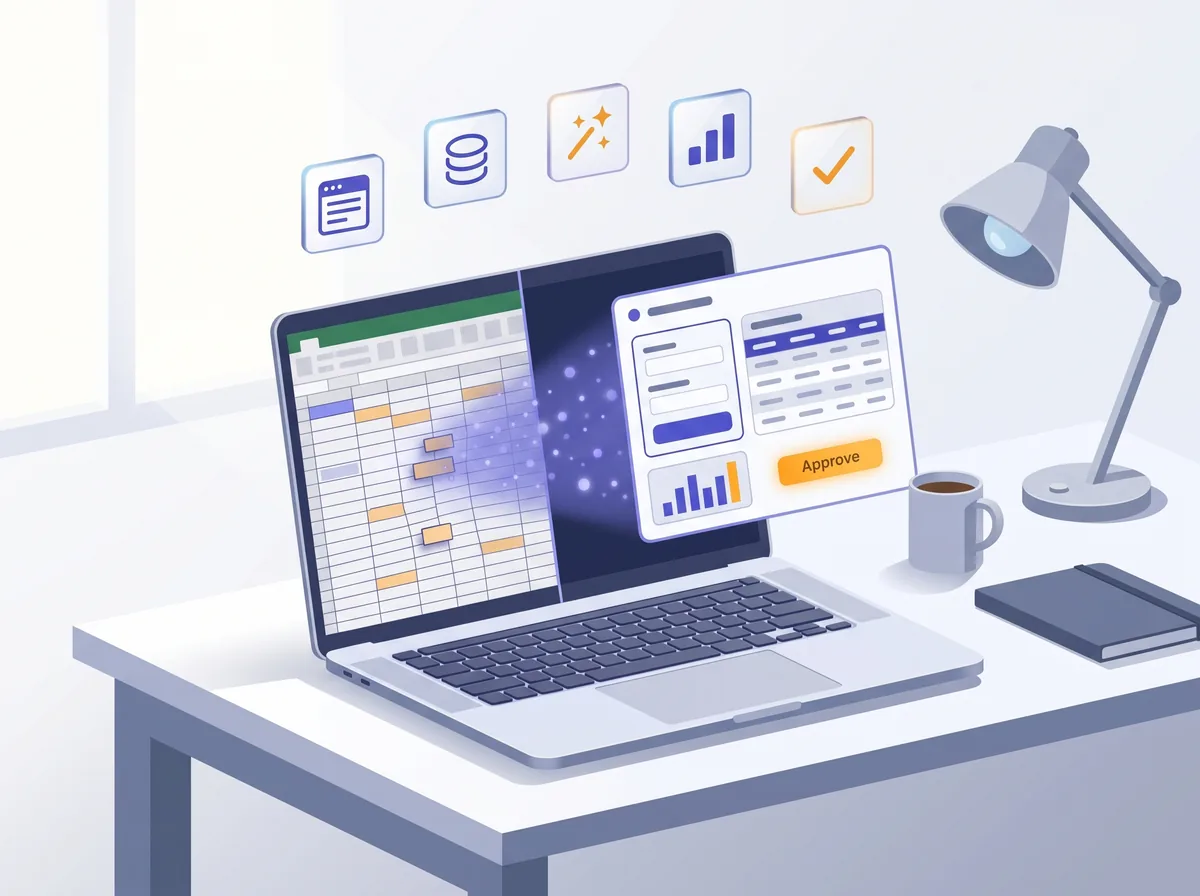
Hands-on workshops where non-technical leaders in operations, sales, finance, HR and marketing use AI to build their own tools. No coding required.
Free 30-minute call, no commitment.
Most teams have small software ideas stuck in spreadsheets, manual workflows and IT backlogs. The people closest to the work know what they need, but these requests rarely reach the top of the engineering queue.
We teach them to build first versions of those tools themselves, and to know where professional engineering still needs to take over.
Each leader spends ten minutes answering it for their own team.
“What do you currently pay people to copy, paste, reconcile, summarize, chase, approve or reformat?”
Then we score each answer on three things:
Does it happen often?
Is it annoying or expensive?
Could a small app improve it?
Once leaders see this, they can look at a process and name the parts it needs, for example a form, a table, an AI step and an approval button.
Forms, uploads, text input
Tables and databases
Calculations, rules, AI
Dashboards and reports
Send, approve, assign, export
No one starts from a blank page. Everyone picks from common internal tools, or brings their own.
Not a demo they watched. A first version of a tool for their own workflow, and a clear label for what it's ready for.
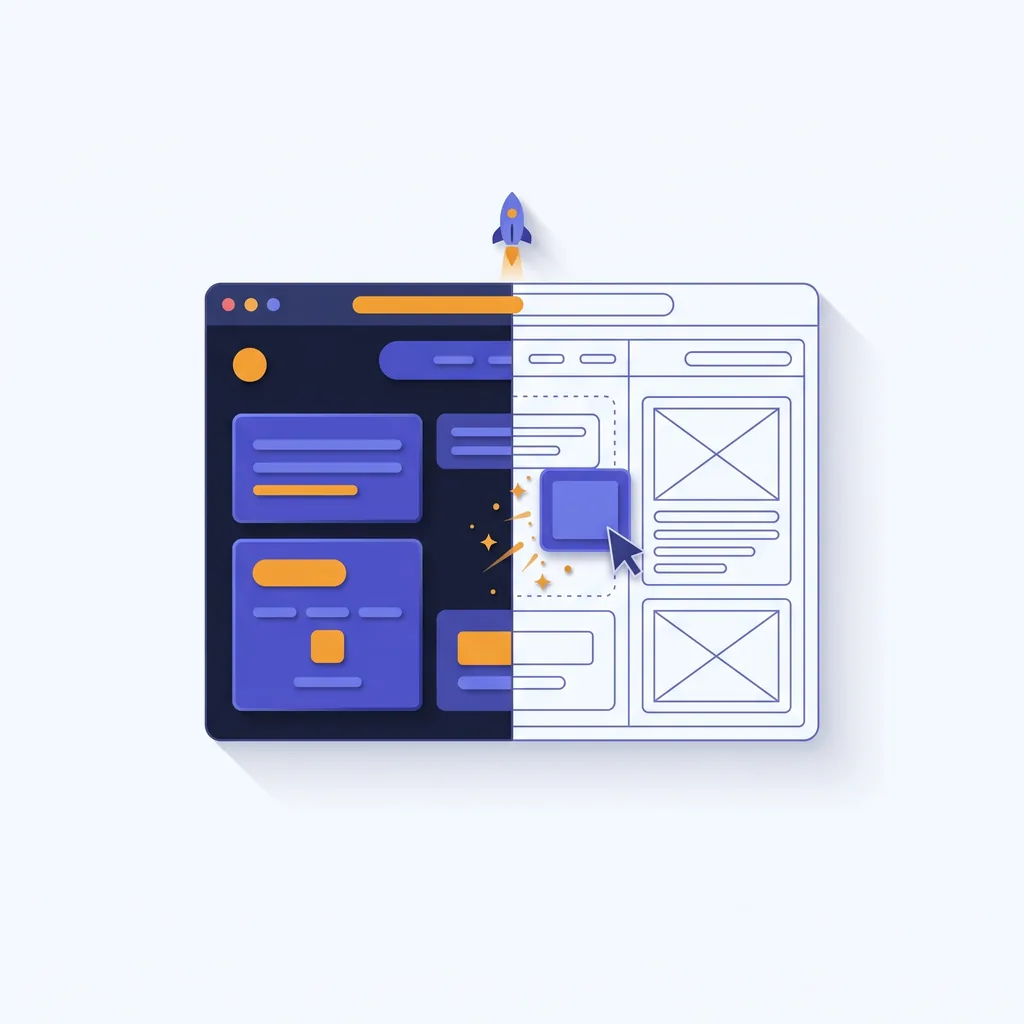
Each participant builds a first version of a tool for their own workflow, directing the AI themselves.
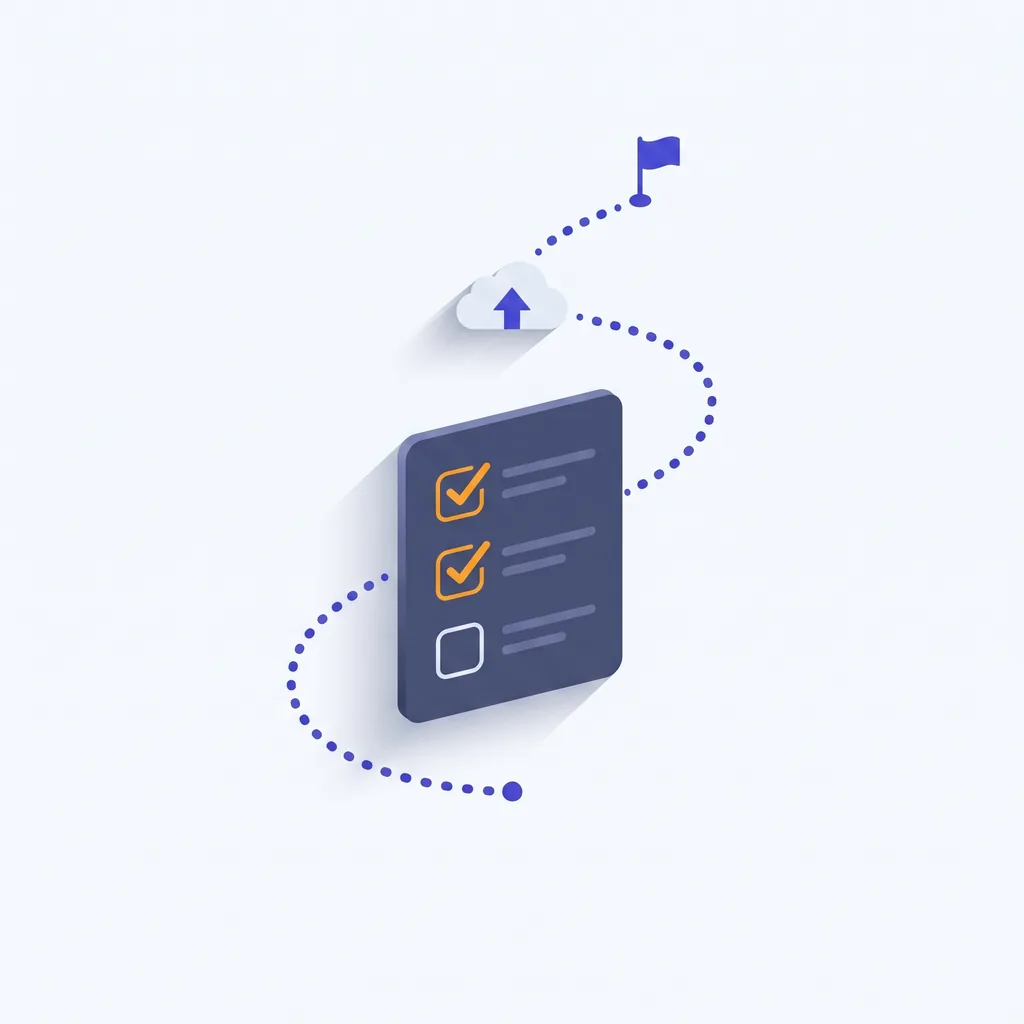
Every tool is labeled prototype, pilot or production, so nothing risky gets rolled out by accident.
Find the problem, write a one-page plan, build it, fix problems by describing them, then demo. They can use the same steps for their next tool.
Start with a 90-minute intro, or go straight to building real tools.
90 minutes · virtual · up to 25 people
Each person builds a small tool from scratch, following along step by step. For example: upload a sales pipeline spreadsheet, flag the risky deals and get an executive summary.
The fee counts toward a half day or sprint booked within 90 days.
Book a discovery callHalf day · virtual or on-site · up to 12 people
Each participant brings a real workflow and builds a first version of an internal tool for it.
2 days · on-site · teams of 3–4 · up to 20 people
Teams build business prototypes, test them with real users and present the business case.
Every participant, or every team in the sprint, leaves with a working first version of their tool. If one doesn't, we hold a free 60-minute follow-up session for them within two weeks to get it working. We write this into your proposal.
Four weekly 60-minute group sessions to help participants finish their tools and start using them.
We review up to 10 of the tools your team built, pick the ones worth turning into official company software, and write down what your IT team would need.
Book 3 or more workshops together and each one is 15% off. We invoice, and purchase orders are welcome.
There is almost no coding in it. It's deciding what to build, then telling AI how to build it.
Learn: what building with AI is good and bad at.
Build: a one-paragraph description of the tool.
Learn: who uses it, what goes in, what comes out, and the limits.
Build: a one-page plan.
Learn: telling an AI tool what to build.
Build: a working first version.
Learn: forms, tables, calculations, search, AI summaries.
Build: a workflow that works end to end.
Learn: uploading a spreadsheet or using a simple database.
Build: a tool that saves its data.
Learn: how to explain what's wrong to the AI.
Build: a better second version.
Learn: clear screens, tricky cases, who can see what.
Build: a version ready to show.
Learn: security, privacy, what can go wrong.
Build: a decision on who can use it.
Learn: explaining value in business terms.
Build: a 2-minute live demo.
The workshop ends with its most important exercise: deciding what each tool is ready for.
Fine as it is. A personal tool, or a way to show the idea.
OK for a few internal users, with safeguards agreed.
Needs your engineering and security teams before wider use.
So your IT and security teams know exactly which tools need their review.
Department heads have the clearest problems to build around. They usually already know which workflow they want to fix.
It's a good fit when one executive already uses AI and wants the rest of the team to catch up.
Waitloop is a live software product for running waitlists, with a dashboard, billing and email. Its founder built it with the same method taught in these workshops, including this page and the booking calendar below. No engineering team. No agency.
30 minutes on your team, a workflow or two, and which workshop fits. No commitment.
Highlighted days have open times. Times are shown in your timezone.
Common questions.
No. The workshops teach how to decide what to build and how to direct AI tools. Nobody writes code by hand.
Everyone leaves with a working first version. If a participant or sprint team doesn't, we hold a free 60-minute follow-up session for them within two weeks to get it working. It's written into your proposal.
The 90-minute session runs live on video. The half day works virtually or on-site, and the sprint runs on-site. Travel for on-site sessions is billed separately.
Browser-based AI coding tools that fit your company's policies. We agree the tools with your IT team before the workshop, and participants use company-approved accounts.
Participants build with sample or non-sensitive data unless your security team approves otherwise. Every tool is labeled prototype, pilot or production, so nothing risky gets rolled out by accident.
Up to 25 for the 90-minute session, up to 12 people for the half day, and up to 20 people for the sprint. Larger groups run as several sessions, 15% off each when you book 3 or more.
Yes. On the discovery call we pick example workflows and tools from your teams, so the session is built around your real work.
We send a written proposal and an invoice. Half is due to hold the date, and the rest within 30 days after the workshop. Purchase orders are welcome. The prices on this page are starting prices. Your quote depends on group size, location and how much we tailor the session.
The tools stay with your team. Half days and sprints include a follow-up call two weeks later. For more help, add the follow-up clinic ($3,000) or a prototype review (from $5,000).
Building your own product instead? That's the 5-Day Vibe Coding Masterclass, a private 1:1 course for founders.
Workshops for organizations are governed by the proposal we agree with you. See our Terms and Privacy Policy.